Starting from elasticsearch-php v8.13.0 you can execute ES|QL queries and map the result to a PHP object of stdClass or a custom class.
ES|QL
ES|QL is a new Elasticsearch Query Language introduced in Elasticsearch 8.11.0. Right now, it is available in technical preview. It provides a powerful way to filter, transform, and analyze data stored in Elasticsearch.
It makes use of "pipes" (|) to manipulate and transform data in a step-by-step fashion. This approach allows users to compose a series of operations, where the output of one operation becomes the input for the next, enabling complex data transformations and analysis.
For instance, the following query returns the first 3 documents (rows) of the sample_data index:
FROM sample_data
| LIMIT 3
Use case: ES|QL features in the official PHP client
To illustrate the ES|QL features developed in the official PHP client, we stored in Elasticsearch a CSV file of 81,828 books (54.4 MB) including the following information:
Title;Descrition;Author;Year;Publisher;RatingsWe extracted this list from the public available Amazon Books Reviews dataset.
We created a books index with the following Elasticsearch mappings:
'mappings' : {
    'properties': {
        'title': {
            'type': 'text'
        },
        'description': {
            'type': 'text'
        },
        'author': {
            'type': 'text'
        },
        'year': {
            'type': 'short'
        },
        'publisher': {
            'type': 'keyword'
        },
        'rating': {
            'type': 'half_float'
        }
    }
}
The rating value is the average of the ranking reviews taken from the Books_rating.csv file of 2.9 GB.
Here you can find the PHP script that we used to bulk import all the books in Elasticsearch. The bulk operation took 7 sec and 28 MB RAM using PHP 8.2.17. With the proposed mapping the index size in Elasticsearch is about 62 MB.
Map ES|QL results to a PHP object or custom class
We can execute ES|QL query in PHP using the esql()->query() endpoint. The result of this query is a a table data structure. This is expressed in JSON using the columns and values fields. In the columns field we have the name and type definition.
Here is an example of ES|QL query to retrieve the top-10 books written by Stephen King ordered by the user ranking reviews:
$query = <<<EOD
    FROM books
    | WHERE author == "Stephen King"
    | SORT rating DESC
    | LIMIT 10
EOD;

$result = $client->esql()->query([
    'body' => ['query' => $query]
]);
The JSON result from Elasticsearch looks as follows:
{
    "columns": [
        { "name": "author", "type": "text" },
        { "name": "description", "type": "text" },
        { "name": "publisher", "type": "keyword" },
        { "name": "rating", "type": "double" },
        { "name": "title", "type": "text" },
        { "name": "year", "type": "integer" }
    ],
    "values": [
        [
            "Stephen King",
            "The author ...",
            "Turtleback",
            5.0,
            "How writers write",
            2002
        ],
        [
            "Stephen King",
            "In Blockade Billy, a retired coach...",
            "Simon and Schuster",
            5.0,
            "Blockade",
            2010
        ],
        [
            "Stephen King",
            "A chilling collection of twenty horror stories.",
            "Signet Book",
            4.55859375,
            "Night Shift (Signet)",
            1979
        ],
        ...
    ]
}
In this example we have 6 properties (author, description, publisher, rating, title, year) related to a book and 10 results, all books by Stephen King.
A list of all the supported types in ES|QL is reported here.
The $result response object can be accessed as an array, a string or as an object (see here for more information).
Using the object interface, we can access the values using properties and indexes. For instance, $result->values[0][4] returns the title (4) of the first book (0) in the list, $result->values[1][3] returns the rank score (3) of the second book (1), etc. Remember, the index of an array in PHP starts from zero.
This interface can be good enough for some use cases but most of the time we would like to have an array of objects as result.
To map the result into an array of objects we can use the new mapTo() feature of elasticsearch-php.
This function is available directly in the Elasticsearch response object. That means you can access it as follows:
$books = $result->mapTo(); // Array of stdClass
foreach ($books as $book) {
    printf(
        "%s, %s, %d, Rating: %.2f\n",
        $book->author,
        $book->title,
        $book->year,
        $book->rating
    );
}
If you have a custom Book class, you can map the result using it, as follows:
class Book
{
    public string $author;
    public string $title;
    public string $description;
    public int $year;
    public float $rating;
}

$books = $result->mapTo(Book::class); // Array of Book
If your class has other properties in addition to the ones included in the ES|QL result, this will work as well. The mapTo() function will use only the properties returned as columns of the ES|QL result.
You can download all the examples reported in this article here.
Ready to try this out on your own? Start a free trial.
Want to get Elastic certified? Find out when the next Elasticsearch Engineer training is running!
Related content

May 14, 2026
Don't leave metrics on the table: query them with the ES|QL TS command
Recalibrate your mental model for time series queries: learn why FROM can produce inaccurate results for metrics, how TS fixes that, and when to use each command.
May 14, 2026
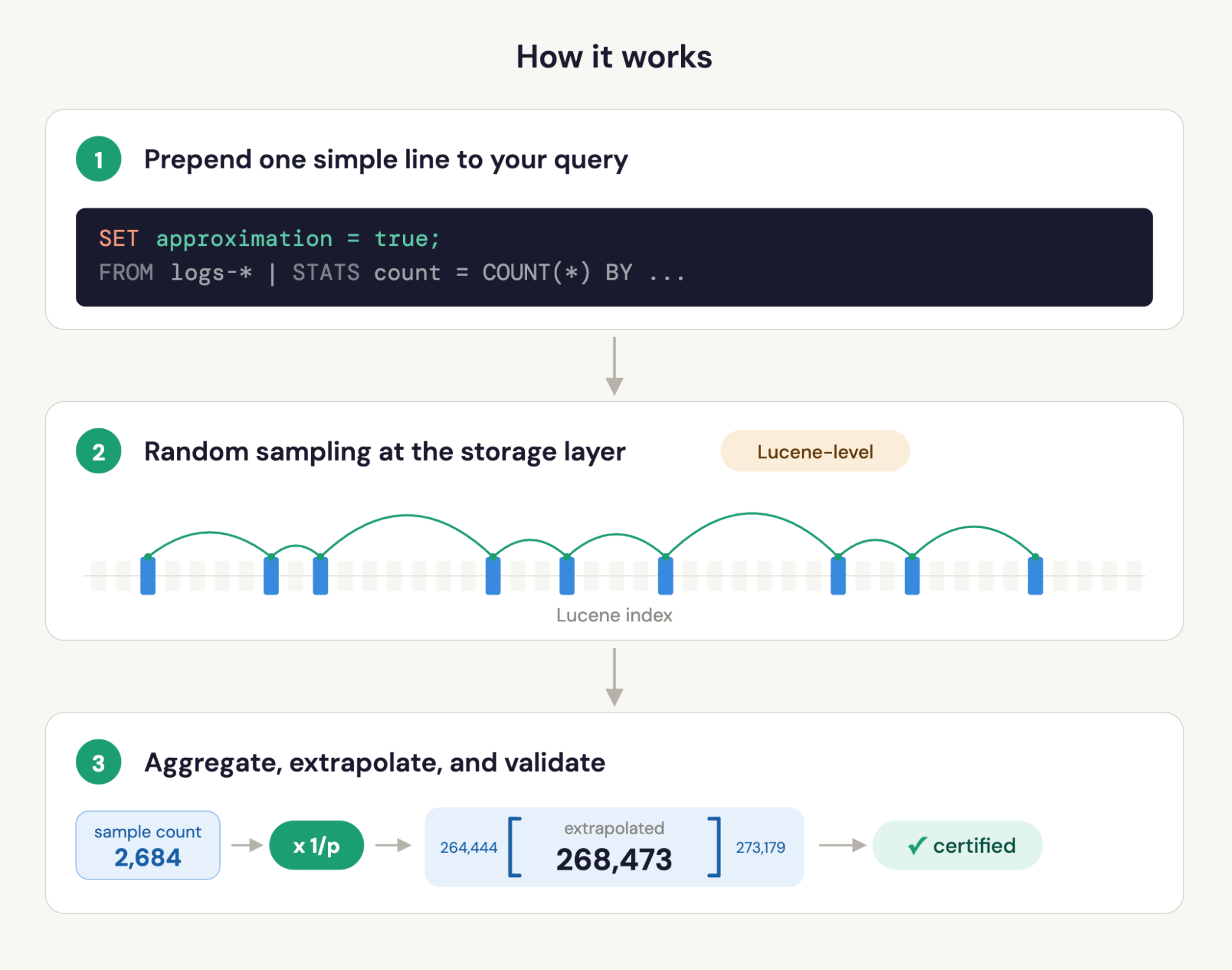
Approximate queries in Elasticsearch ES|QL: 100x faster on billions of records, with built-in confidence intervals
ES|QL now supports approximate query execution. Add one line to your queries, and get results orders of magnitude faster, with built-in confidence intervals that tell you exactly how much to trust them.

May 12, 2026
Elasticsearch ES|QL “schema on read”: Your unmapped fields were there all along
ES|QL's new unmapped fields feature makes any never-mapped field queryable against historical data (no reindexing needed).
May 8, 2026
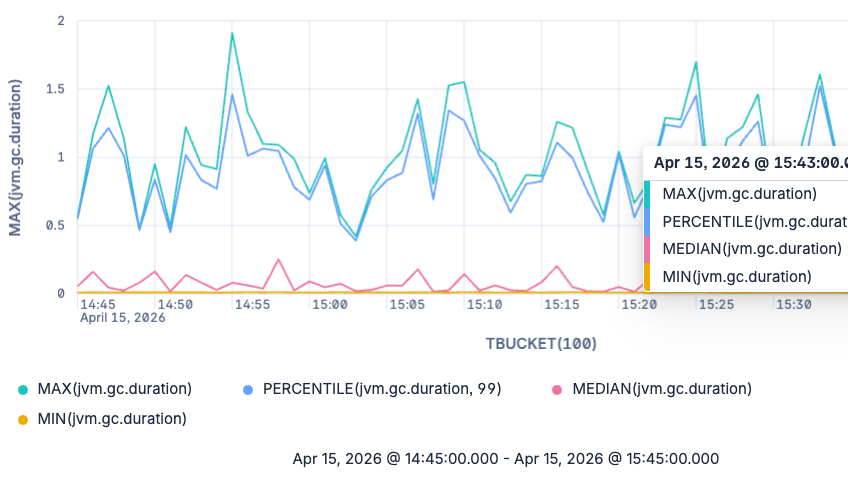
From averages to any percentile: Elasticsearch ships native exponential histogram support in ES|QL
Query any percentile at any time. Elasticsearch natively stores OTel exponential histograms and lets you analyze distributions in ES|QL without fixed buckets or lossy conversions.

May 7, 2026
30x faster than Prometheus: How we rebuilt Elasticsearch as a leading columnar metrics datastore
Elasticsearch now stores OTel metrics at 3.75 bytes per data point and queries them up to 30x faster than Prometheus. Here's how we rebuilt TSDS and ES|QL.