ES|QL overview
ES|QL is a new query language introduced by Elasticsearch that combines a simplified syntax with the pipe operator to enable users to intuitively extrapolate and manipulate data. The new version 8.13.0 of the official Java client introduced support for ES|QL queries, with a new API that allows for easy query execution and automatic translation of the results to java objects.
How to perform ES|QL queries with the Java client
Prerequisites
- Elasticsearch version >= 8.11.0
- Java version >= 17
Ingesting data
Before we start querying we need to have some data available: we're going to store this csv file into Elasticsearch by using the BulkIngester utility class available in the Java client. The csv lists books from the Amazon Books Reviews dataset, categorizing them using the following header row:
Title;Description;Author;Year;Publisher;RatingsFirst of all, we have to create the index to map the fields correctly:
if (!client.indices().exists(ex -> ex.index("books")).value()) {
    client.indices().create(c -> c
        .index("books")
        .mappings(mp -> mp
            .properties("title", p -> p.text(t -> t))
            .properties("description", p -> p.text(t -> t))
            .properties("author", p -> p.text(t -> t))
            .properties("year", p -> p.short_(s -> s))
            .properties("publisher", p -> p.text(t -> t))
            .properties("ratings", p -> p.halfFloat(hf -> hf))
        ));
}
Then the Java class for the books:
public record Book(
    String title,
    String description,
    String author,
    Integer year,
    String publisher,
    Float ratings
){}
We're going to use Jackson's CSV mapper to read the file, so let's configure it:
CsvMapper csvMapper = new CsvMapper();
CsvSchema schema = CsvSchema.builder()
    .addColumn("title") // same order as in the csv
    .addColumn("description")
    .addColumn("author")
    .addColumn("year")
    .addColumn("publisher")
    .addColumn("ratings")
    .setColumnSeparator(';')
    .setSkipFirstDataRow(true)
    .build();

MappingIterator<Book> iter = csvMapper
    .readerFor(Book.class)
    .with(schema)
    .readValues(new FileReader("/path/to/file/books.csv"));
Then we'll read the csv file line by line and optimize the ingestion using the BulkIngester:
BulkIngester ingester = BulkIngester.of(bi -> bi
    .client(client)
    .maxConcurrentRequests(20)
    .maxOperations(5000));

boolean hasNext = true;
while (hasNext) {
    try {
        Book book = iter.nextValue();
        ingester.add(BulkOperation.of(b -> b
            .index(i -> i
            .index("books")
            .document(book))));
        hasNext = iter.hasNextValue();
    } catch (JsonParseException | InvalidFormatException e) {
        // ignore malformed data
    }
}

ingester.close();
The indexing will take around 15 seconds, but when it's done we'll have the books index filled with ~80K documents, ready to be queried.
ES|QL
Now it's time to extract some information from the books data. Let's say we want to find the latest reprints of Asimov's works:
String queryAuthor =
    """
    from books
    | where author == "Isaac Asimov"
    | sort year desc
    | limit 10
    """;
List<Book> queryRes = (List<Book>) client.esql()
    .query(ObjectsEsqlAdapter.of(Book.class),queryAuthor);
Thanks to the ObjectsEsqlAdapter using Book.class as the target, we can ignore what the json result of the ES|QL query would be, and just focus on the more familiar list of books that is automatically returned by the client.
For those who are used to SQL queries and the JDBC interface, the client also provides the ResultSetEsqlAdapter, which can be used in the same way and instead returns a java.sql.ResultSet
ResultSet resultSet = esClient.esql()
    .query(ResultSetEsqlAdapter.INSTANCE,queryAuthor);
Another example, we now want to find out the top-rated books from Penguin Books:
String queryPublisher =
    """
    from books
    | where publisher == "Penguin"
    | sort ratings desc
    | limit 10
    | sort title asc
    """;

queryRes = (List<Book>) client.esql()
    .query(ObjectsEsqlAdapter.of(Book.class), queryPublisher);
The Java code to retrieve the data stays the same since the result is again a list of books. There are exceptions of course, for example if a query uses the eval command to add a new column, the Java class should be modified to represent the new result.
The full code for this article can be found in the official client repository. Feel free to reach out on Discuss for any questions or issues.
Ready to try this out on your own? Start a free trial.
Want to get Elastic certified? Find out when the next Elasticsearch Engineer training is running!
Related content
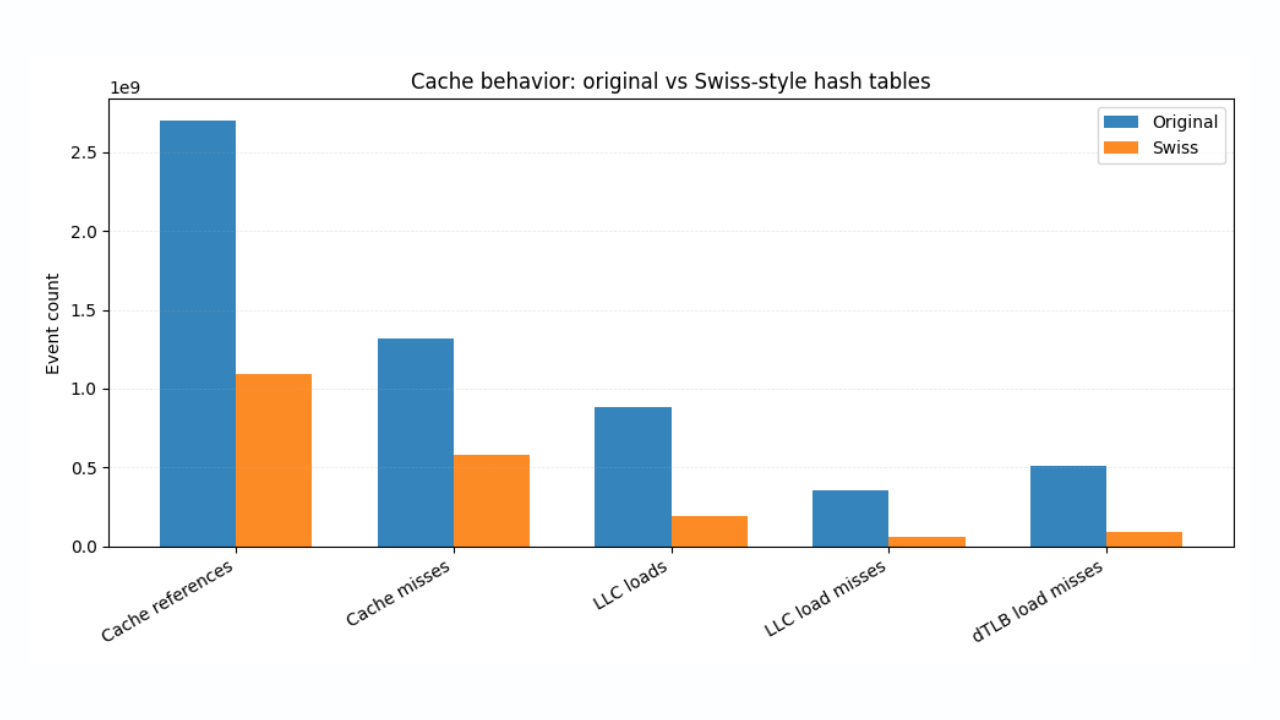
January 19, 2026
Faster ES|QL stats with Swiss-style hash tables
How Swiss-inspired hashing and SIMD-friendly design deliver consistent, measurable speedups in Elasticsearch Query Language (ES|QL).
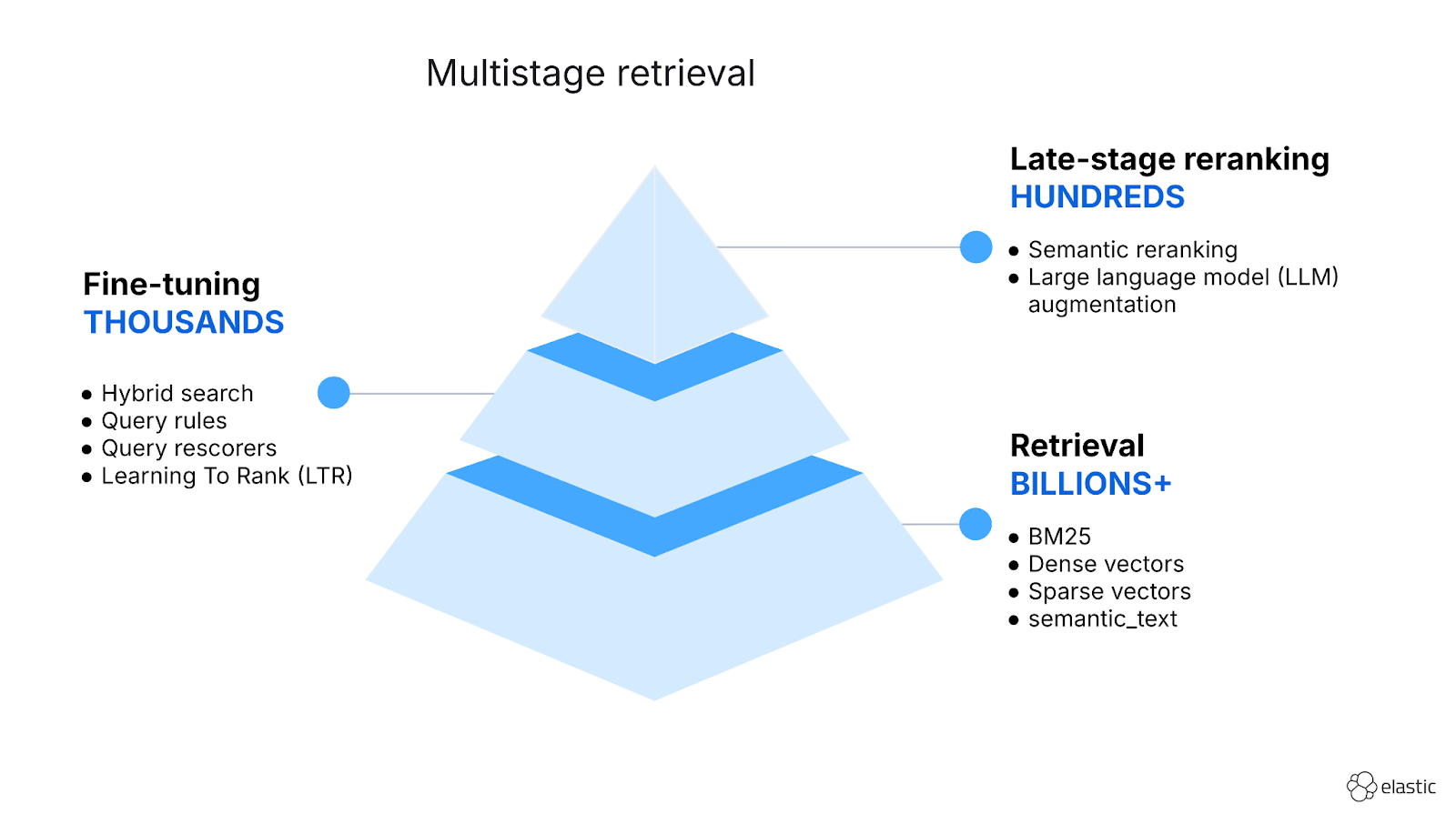
January 8, 2026
Hybrid search and multistage retrieval in ES|QL
Explore the multistage retrieval capabilities of ES|QL, using FORK and FUSE commands to integrate hybrid search with semantic reranking and native LLM completions.
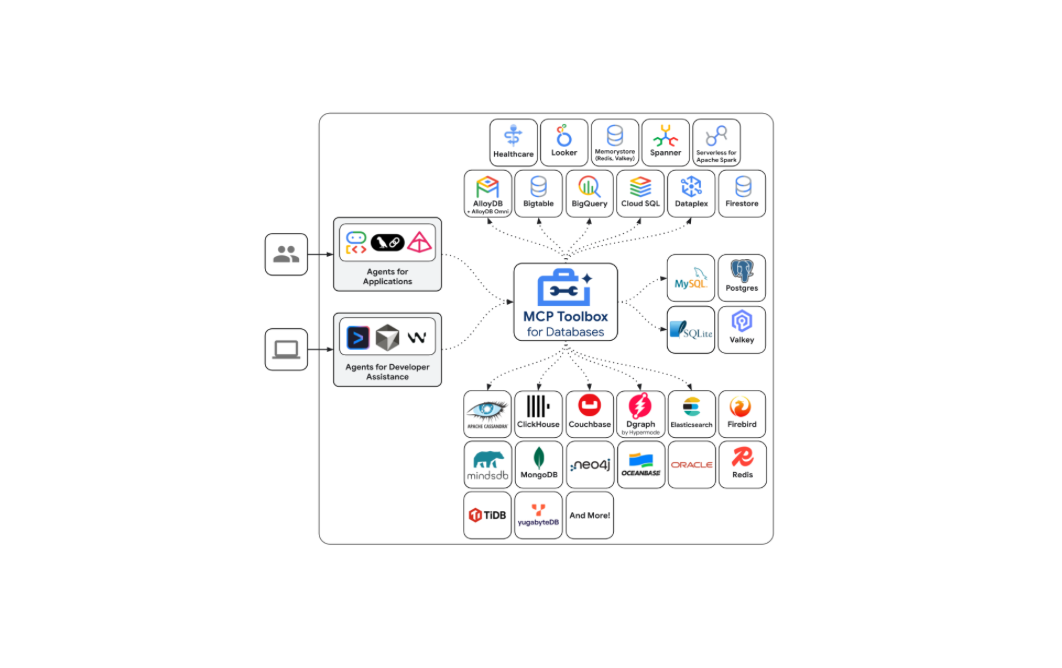
December 12, 2025
Introducing Elasticsearch support in the Google MCP Toolbox for Databases
Explore how Elasticsearch support is now available in the Google MCP Toolbox for Databases and leverage ES|QL tools to securely integrate your index with any MCP client.

Introducing the ES|QL query builder for the Elasticsearch Ruby Client
Learn how to use the recently released ES|QL query builder for the Elasticsearch Ruby Client. A tool to build ES|QL queries more easily with Ruby code.
Introducing the ES|QL query builder for the Python Elasticsearch Client
Learn how to use the ES|QL query builder, a new Python Elasticsearch client feature that makes it easier to construct ES|QL queries using a familiar Python syntax.