In our previous article on hybrid search with Elasticsearch in LangChain, we explained why hybrid search can help retrieve better results than simple vector search, along with how it works. We recommend reading that article first.
In addition to Python and JavaScript, the LangChain ecosystem also has a community-driven Java project called LangChain4j, which will be the focus of this article, showing how powerful hybrid search can be by writing a complete application using LangChain4j, Elasticsearch, and Ollama.
Setting up the environment
Running a local Elasticsearch instance
Before running the examples, you'll need Elasticsearch running locally. The easiest way is using the start-local script:
curl -fsSL https://elastic.co/start-local | shAfter starting, you'll have:
- Elasticsearch at http://localhost:9200.
- Kibana at http://localhost:5601.
Your API key is stored in the .env file (under the elastic-start-local folder) as ES_LOCAL_API_KEY.
> Note: This script is for local testing only. Do not use it in production. For production installations, refer to the official documentation for Elasticsearch.
Running a local Ollama instance
You’ll also need to connect your application to an embedding model. Although you can choose between any provider supported by LangChain4j (check the complete list), for this example we’ll be using Ollama, which can be easily set up locally following the quickstart.
Let’s start coding
The idea for the application is simple: Given a dataset of movies (taken from an IMDb dataset on Kaggle), we want to be able to find movies whose descriptions are relevant to our queries. This demo uses a subset of the data, which has been cleaned. You can download the dataset used for this article from our GitHub repo, along with the full code for this demo.
Step 1: Dependencies and environment
Open your favorite integrated development environment (IDE), create a new blank project, preferably with a modern Java version (we’re using Java24) and a gradle/maven version to match (in our case, Gradle 9.0).
We only need three dependencies:
dependencies {
    implementation("com.fasterxml.jackson.dataformat:jackson-dataformat-csv:2.17.0")
    implementation("dev.langchain4j:langchain4j-elasticsearch:1.11.0-beta19")
    implementation("dev.langchain4j:langchain4j-ollama:1.11.0")
}
The first one is needed to ingest the data that we’ll embed and query; the other two are the necessary LangChain4j dependencies to connect and manage our Elasticsearch vector store and Ollama embedding model.
The best way to connect to the external services is to set up environment variables and set them at the start of our main function:
String elasticsearchServerUrl = System.getenv("ES_LOCAL_URL");
String elasticsearchApiKey = System.getenv("ES_LOCAL_API_KEY");

String ollamaUrl = System.getenv("ollama-url");
String ollamaModelName = System.getenv("model-name");
Step 2: Ingesting the dataset
Since the dataset is a CSV, we’ll be using Jackson dataformat’s jackson-dataformat-csv to easily read the data and map it to a Java class, defined as:
public record Movie(
    String movie_id,
    String movie_name,
    Integer year,
    String genre,
    String description,
    String director
) {
}
Now we can create an instance of CsvSchema mapping the CSV structure and read the file into an iterator:
CsvSchema schema = CsvSchema.builder()
    .addColumn("movie_id") // same order as in the csv
    .addColumn("movie_name")
    .addColumn("year")
    .addColumn("genre")
    .addColumn("description")
    .addColumn("director")
    .setColumnSeparator(',')
    .setSkipFirstDataRow(true)
    .build();

CsvMapper csvMapper = new CsvMapper();

File initialFile = new File("src/main/resources/scifi_1000.csv");
InputStream csvContentStream = new FileInputStream(initialFile);

MappingIterator<Movie> it = csvMapper
    .readerFor(Movie.class)
    .with(schema)
    .readValues(new InputStreamReader(csvContentStream));
Each row needs to be embedded first, and then both the embedded content and the text representation will be ingested by Elasticsearch.
Let’s start by creating an instance of the Ollama embedding model class:
EmbeddingModel embeddingModel = OllamaEmbeddingModel.builder()
    .baseUrl(ollamaUrl)
    .modelName(ollamaModelName)
    .build();
And then the Elasticsearch vector store, which needs an instance of the Elasticsearch Java RestClient:
RestClient restClient = RestClient
    .builder(HttpHost.create(elasticsearchServerUrl))
    .setDefaultHeaders(new Header[]{
        new BasicHeader("Authorization", "ApiKey " + elasticsearchApiKey)
    })
    .build();

EmbeddingStore<TextSegment> embeddingStore = ElasticsearchEmbeddingStore.builder()
    .restClient(restClient)
    .build();
For the ingestion loop, the LangChain4j library requires the data to be split in two lists for ingestion, one for the vector representation and one for the original text, so we’ll set up two lists which will be filled by the loop:
List<Embedding> embeddings = new ArrayList<>();
List<TextSegment> embedded = new ArrayList<>();
Where Embedding and TextSegment are both library specific classes.
We’ll iterate on the movie dataset iterator, use the embedding model to retrieve the vector representation for each movie information (a text representation of all the fields merged), and add the name separately as metadata so that the result will be easier to read.
boolean hasNext = true;

while (hasNext) {
    try {
        Movie movie = it.nextValue();
        String text = movie.toString();

        Embedding embedding = embeddingModel.embed(text).content();
        embeddings.add(embedding);

        Metadata metadata = new Metadata();
        metadata.put("movie_name", movie.movie_name());
        embedded.add(new TextSegment(text, metadata));

        hasNext = it.hasNextValue();
    } catch (JsonParseException | InvalidFormatException e) {
        // ignore malformed data
    }
}
Finally, the vector list and text list are passed to the vector store method addAll(), which will handle asynchronously sending the data to the vector store:
embeddingStore.addAll(embeddings, embedded);Step 3: Querying
Our goal is to find movies with time loops in the plot, so our prompt will be:
String query = "Find movies where the main character is stuck in a time loop and reliving the same day.";Let’s try a simple vector search first, by creating a content retriever with a k-nearest neighbor (kNN) query default configuration and then running the query and printing the results:
ElasticsearchContentRetriever contentRetrieverVector = ElasticsearchContentRetriever.builder()
                .restClient(restClient)
                .configuration(ElasticsearchConfigurationKnn.builder().build())
                .maxResults(5)
                .embeddingModel(embeddingModel)
                .build();

List<Content> vectorSearchResult = contentRetrieverVector.retrieve(Query.from(query));

System.out.println("Vector search results:");
vectorSearchResult.forEach(v -> System.out.println(v.textSegment().metadata().getString(
                "movie_name")));
This outputs:
Vector search results:
The Witch: Part 1 - The Subversion
Divinity
The Maze Runner
Spider-Man
Spider-Man: Into the Spider-Verse
Now let’s see how hybrid search performs:
ElasticsearchContentRetriever contentRetrieverHybrid = ElasticsearchContentRetriever.builder()
    .restClient(restClient)
    .configuration(ElasticsearchConfigurationHybrid.builder().build())
    .maxResults(5)
    .embeddingModel(embeddingModel)
    .build();

List<Content> hybridSearchResult = contentRetrieverHybrid.retrieve(Query.from(query));

System.out.println("Hybrid search results:");
hybridSearchResult.forEach(v -> System.out.println(v.textSegment().metadata().getString(
            "movie_name")));
Hybrid search results:
Edge of Tomorrow
The Witch: Part 1 - The Subversion
Boss Level
Divinity
The Maze RunnerWhy these results?
This query (“time loop / reliving the same day”) is a great case where hybrid search tends to shine because the dataset contains literal phrases that BM25 can match and vectors can still capture meaning.
- Vector-only (kNN) embeds the query and tries to find semantically similar plots. Using a broad sci‑fi dataset, this can drift into “trapped / altered reality / memory loss / high-stakes sci‑fi” even when there’s no time-loop concept. That’s why results like “The Witch: Part 1 – The Subversion” (amnesia) and “The Maze Runner” (trapped / escape) can appear.
- Hybrid (BM25 + kNN + reciprocal rank fusion [RRF]) rewards documents that match keywords and meaning. Movies whose descriptions explicitly mention “time loop” or “relive the same day” get a strong lexical boost, so titles like “Edge of Tomorrow” (relive the same day over and over again…) and “Boss Level” (trapped in a time loop that constantly repeats the day…) rise to the top.
Hybrid search doesn’t guarantee that every result is perfect; it balances lexical and semantic signals, so you may still see some non-time-loop sci‑fi in the tail of the top‑k.
The main takeaway is that hybrid search helps anchor semantic retrieval with exact textual evidence when the dataset contains those keywords. Check the previous article for more information on how hybrid search works.
Full code example
You can find the full demo code on GitHub.
Conclusion
In this article, we demonstrated how to use hybrid search in LangChain4j through its Elasticsearch integrations, with a complete Java example. This article is an extension of a previous article, which presents the LangChain integrations for Python and JavaScript and introduces and explains hybrid search. We’re planning to continue our collaboration with LangChain4j in the future by contributing to the embedding models with our Elasticsearch Inference API.
Ready to try this out on your own? Start a free trial.
Want to get Elastic certified? Find out when the next Elasticsearch Engineer training is running!
Related content
May 26, 2026
Cutting agent costs with pre-computed context
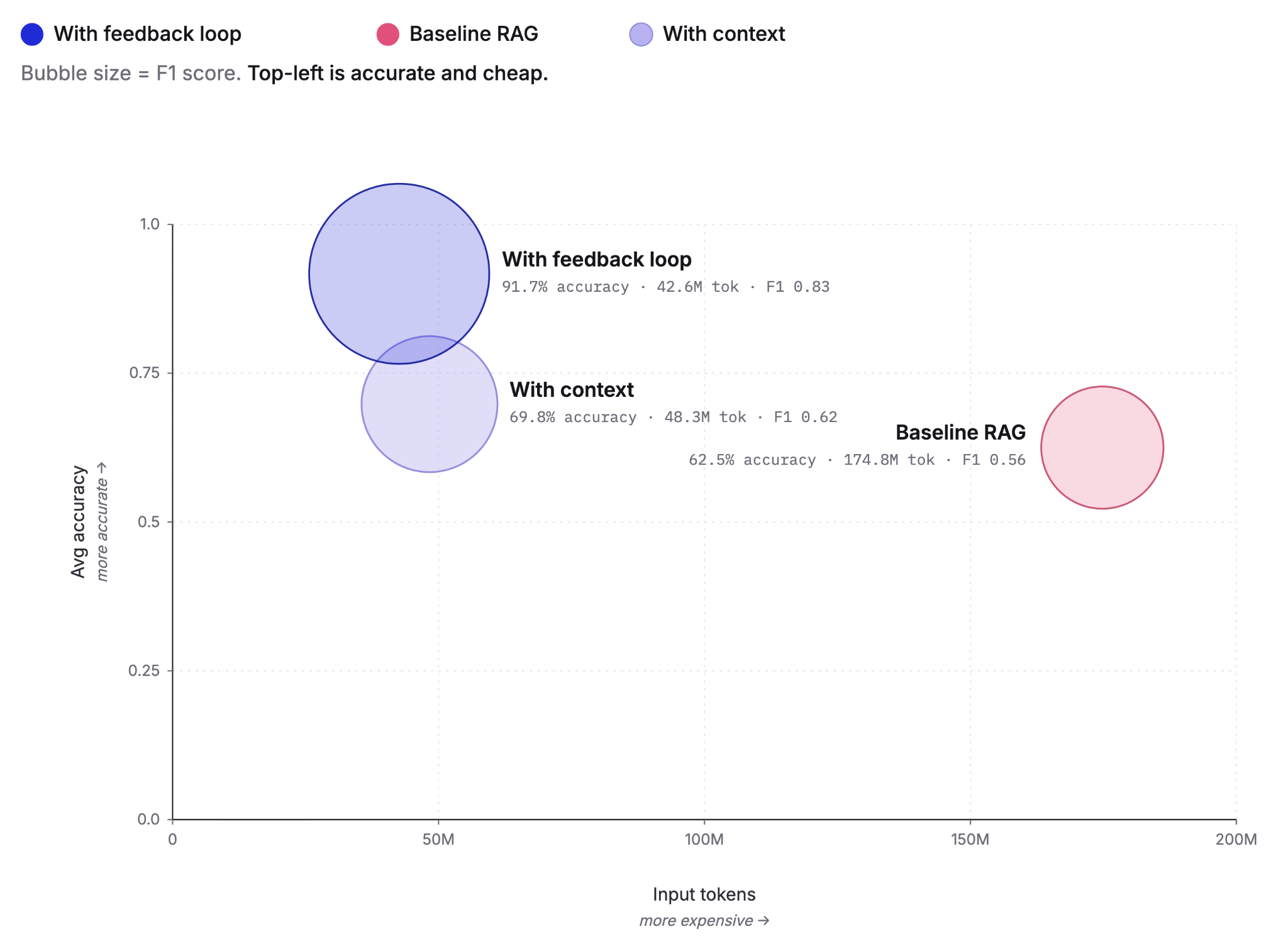
Pre-computing context as Knowledge Indicators reduces LLM agent token costs by up to 75% and improves answer accuracy from 60% to 92%. This post covers the extraction, retrieval and feedback loop that make it work, tested against the BrowseComp-Plus benchmark.
May 4, 2026
How to measure and improve Elasticsearch search recall: from 0.43 to 0.75 with hybrid search
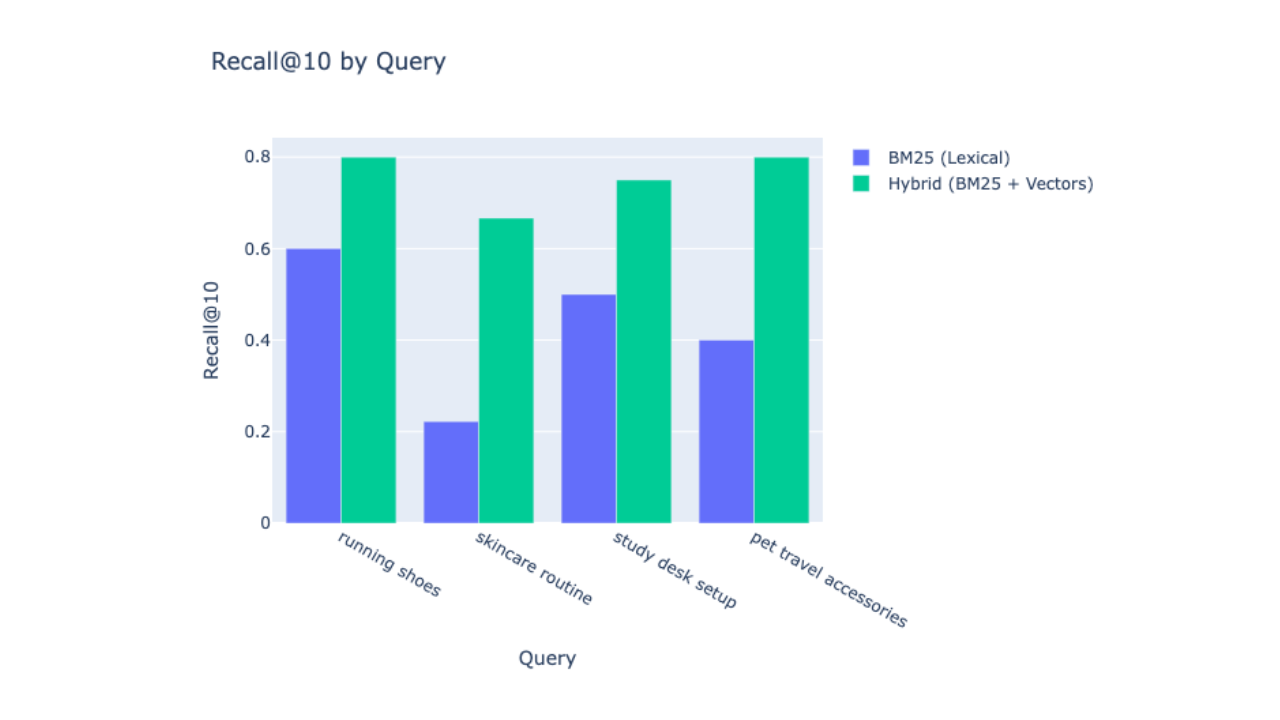
Learn how to measure and improve search recall in Elasticsearch by combining BM25 lexical search with Jina AI vector embeddings, using the rank_eval API to validate the improvement with real numbers.

March 13, 2026
Entity resolution with Elasticsearch, part 4: The ultimate challenge
Solving and evaluating entity resolution challenges in a highly diverse “ultimate challenge” dataset designed to prevent shortcuts.

March 4, 2026
Entity resolution with Elasticsearch, part 3: Optimizing LLM integration with function calling
Learn how function calling enhances LLM integration, enabling a reliable and cost-efficient entity resolution pipeline in Elasticsearch.

February 26, 2026
Entity resolution with Elasticsearch & LLMs, Part 2: Matching entities with LLM judgment and semantic search
Using semantic search and transparent LLM judgment for entity resolution in Elasticsearch.