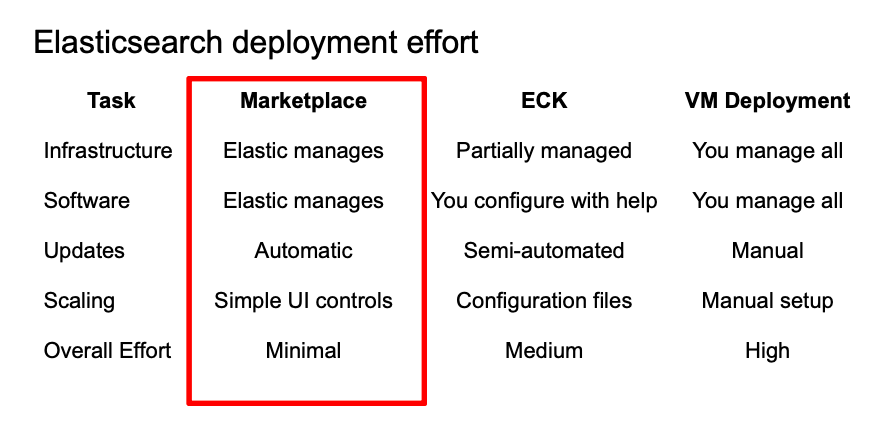
In this article, we are going to learn how to deploy Elasticsearch on AWS using Marketplace offerings.
We are going to use Elastic Cloud Service on AWS, which is the official managed Elasticsearch service that simplifies deployment and orchestration of all the Elastic Stack components through AWS's native infrastructure.
If you want to learn how to install and configure Elasticsearch on AWS EC2, check out this blog.
What is AWS Marketplace?
Elastic on AWS Marketplace provides a fully managed search and analytics experience where AWS handles infrastructure provisioning, security, and scaling while developers focus on building search applications. This allows teams to deploy enterprise-grade Elasticsearch clusters in minutes with built-in AWS integrations.
When to use Elastic on AWS Marketplace?
Elastic on AWS Marketplace is best suited for organizations with an existing AWS infrastructure seeking to deploy Elasticsearch with managed services, built-in security, and seamless AWS integrations without operational overhead.
How to set up Elastic Cloud on AWS Marketplace
Step 1: Access AWS Marketplace
1. Log in to AWS
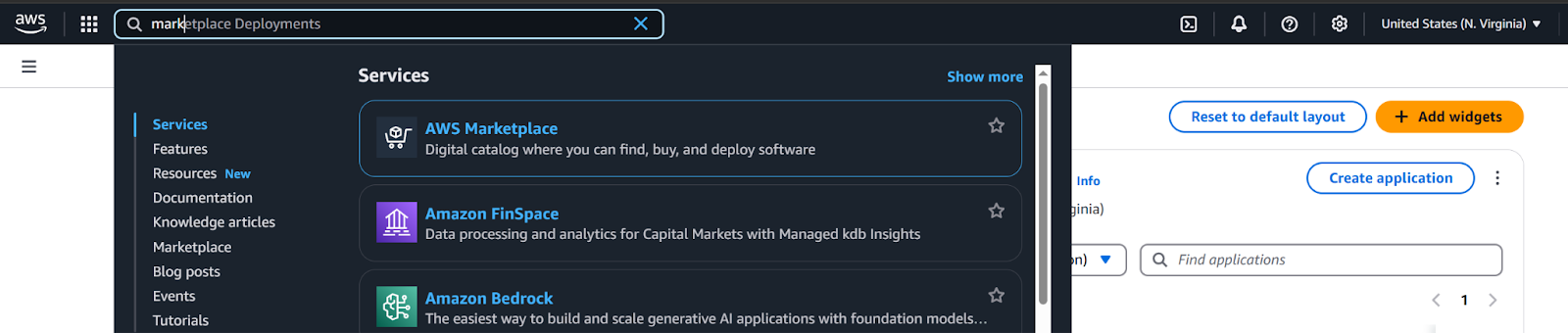
- In the search bar, search for AWS Marketplace
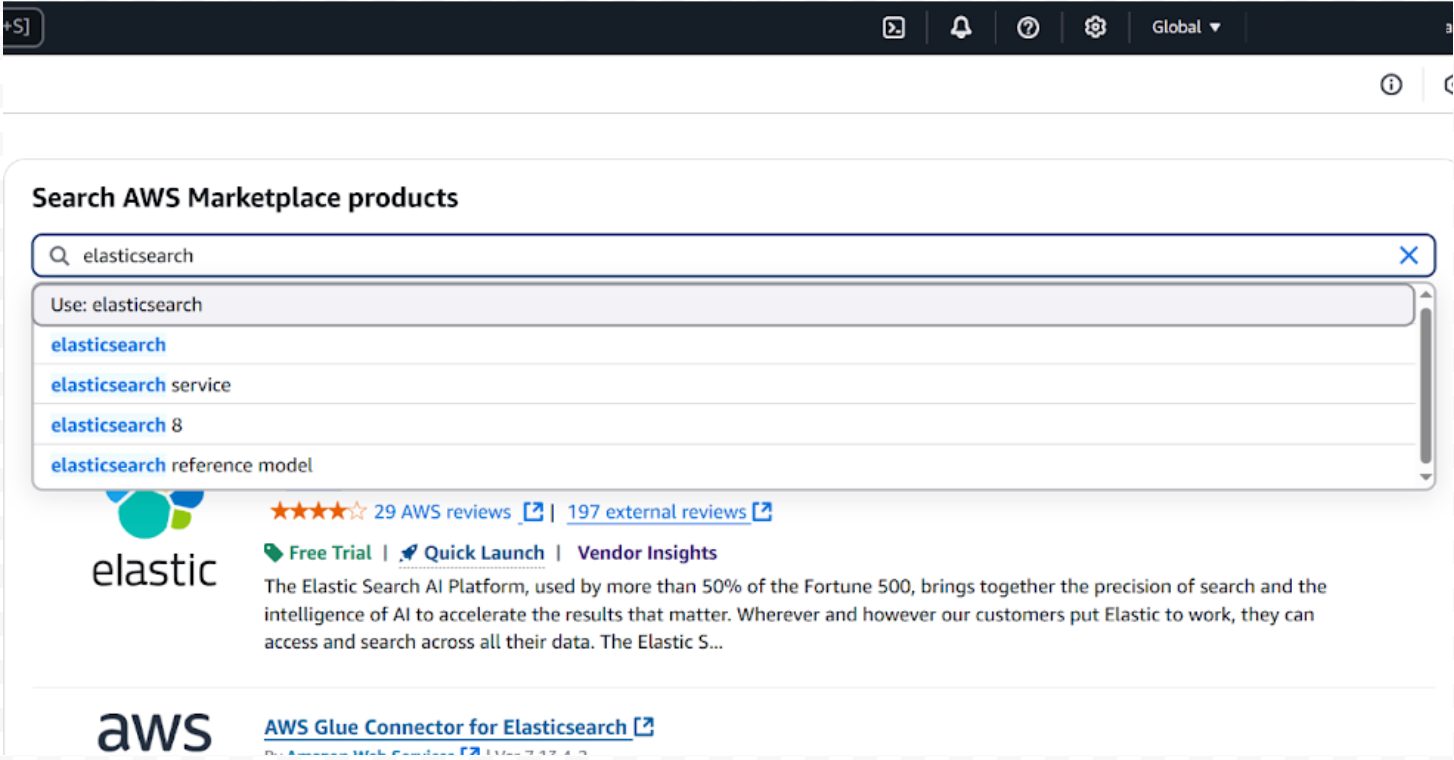
2. In the left navigation panel, click on Discover products, then search for Elasticsearch
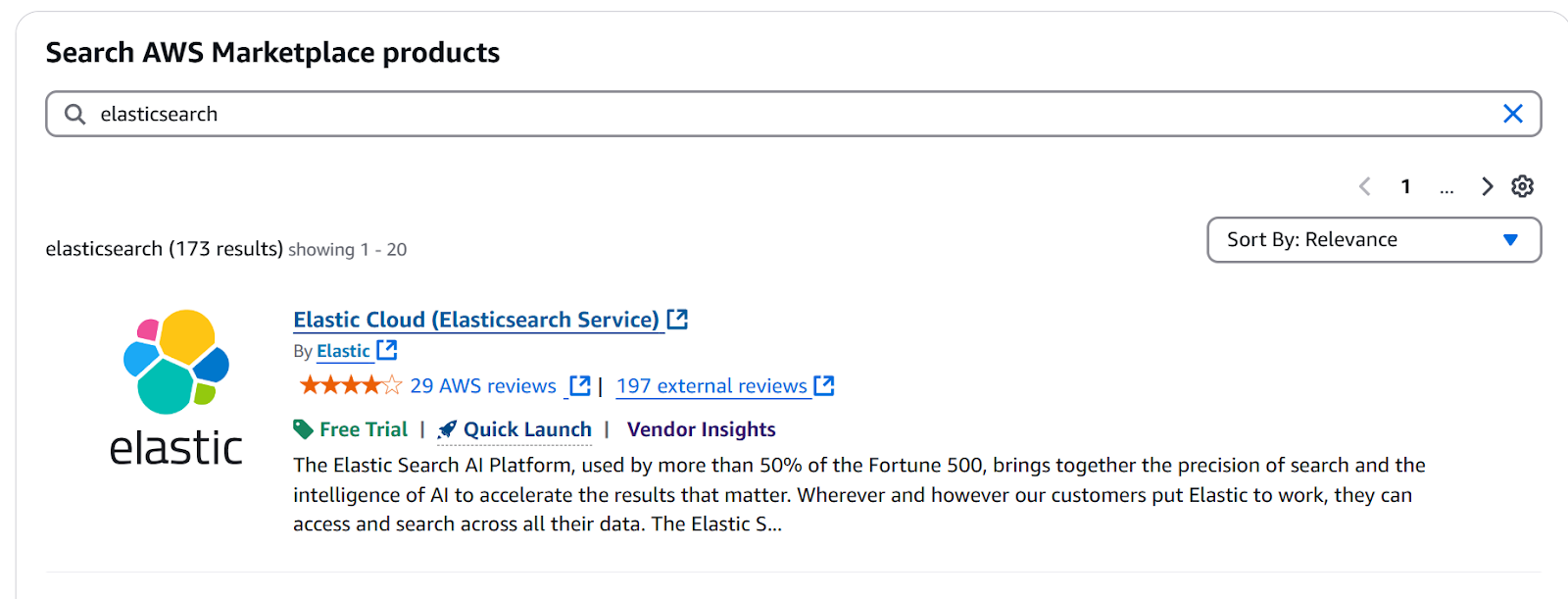
3. Click on Elastic Cloud (Elasticsearch Service)
Step 2: Subscribe to the service
1. Select purchase options or click on Try for free
2. Review Pricing details, Terms and conditions, and Purchase details
3. Click on the Subscribe button

4. Now we need to set up the Elastic account. Follow the steps from AWS
a. Click the Enable integration button
b. Click the Sign in or create a vendor account button
c. Click on the Launch template button
d. Click on the Launch software button
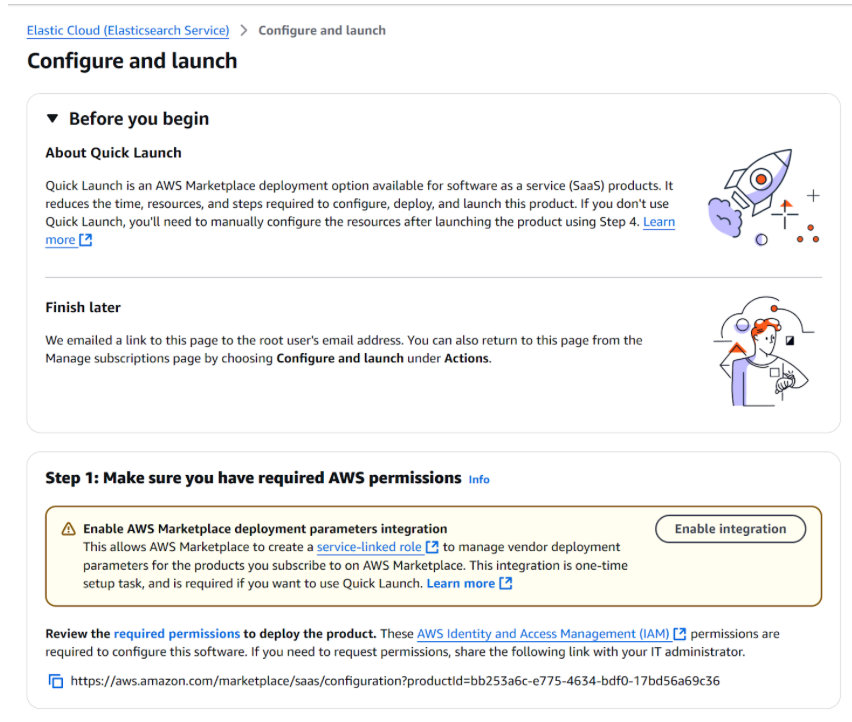
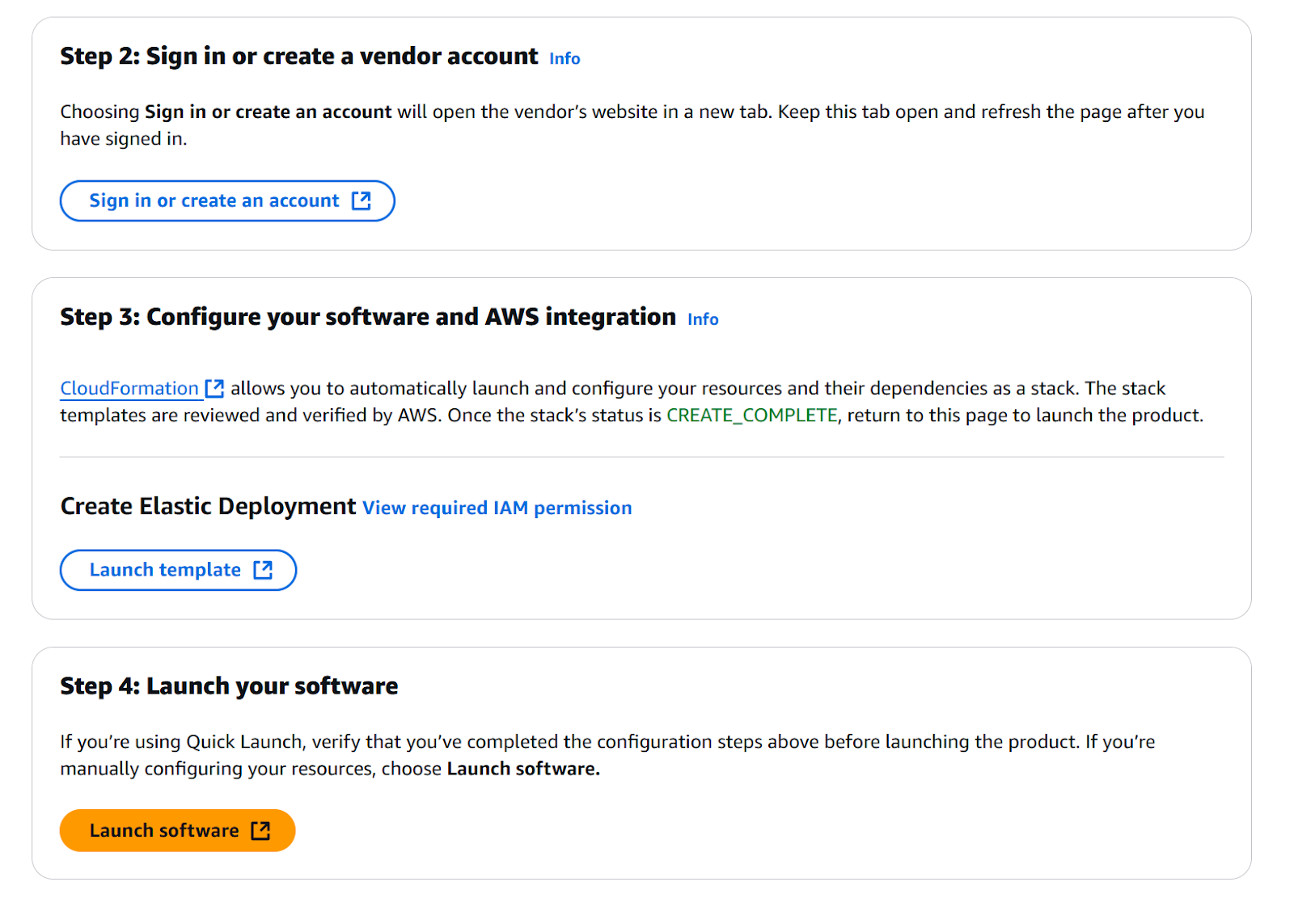
Step 3. Configure your new account in Elastic
1. Create your Elastic account
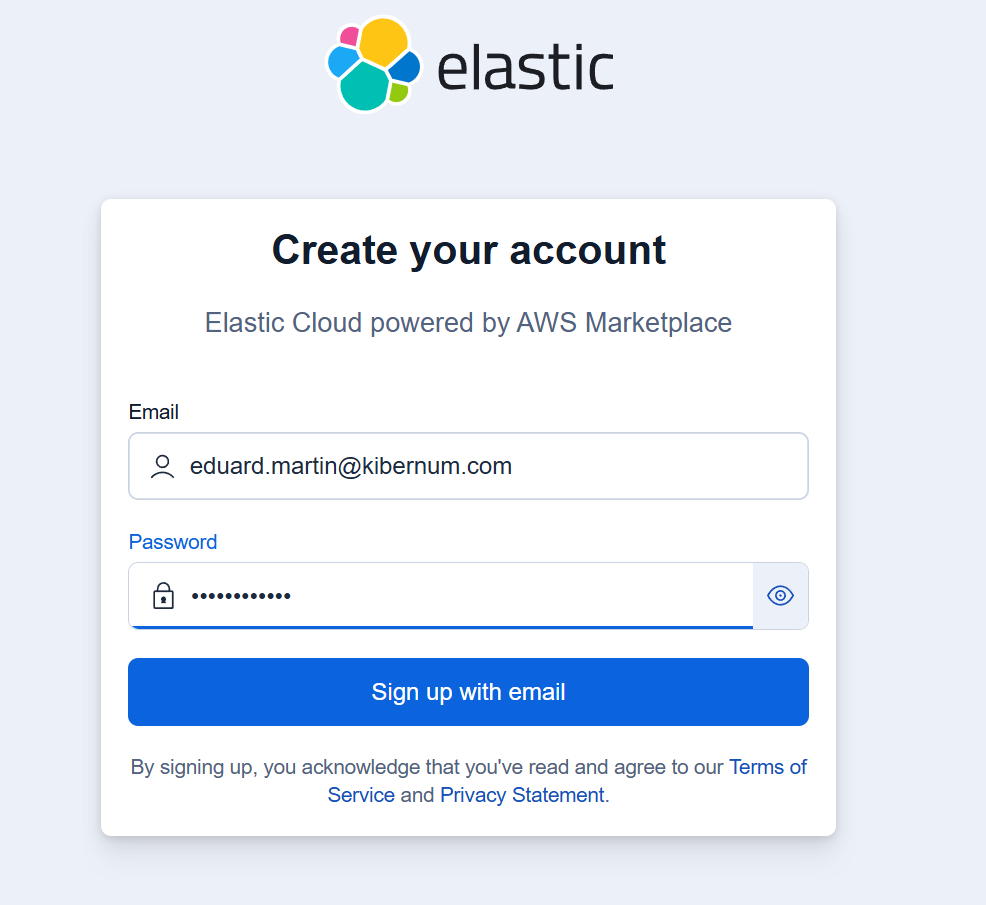
2. Validate your email address
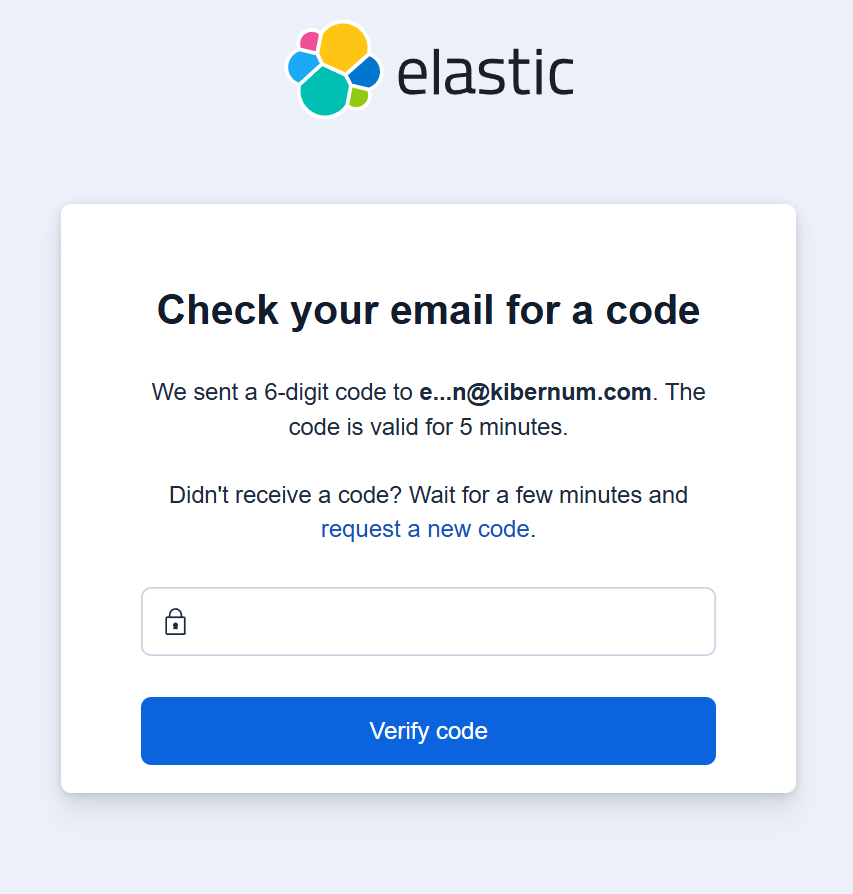
3. Input your name and company information
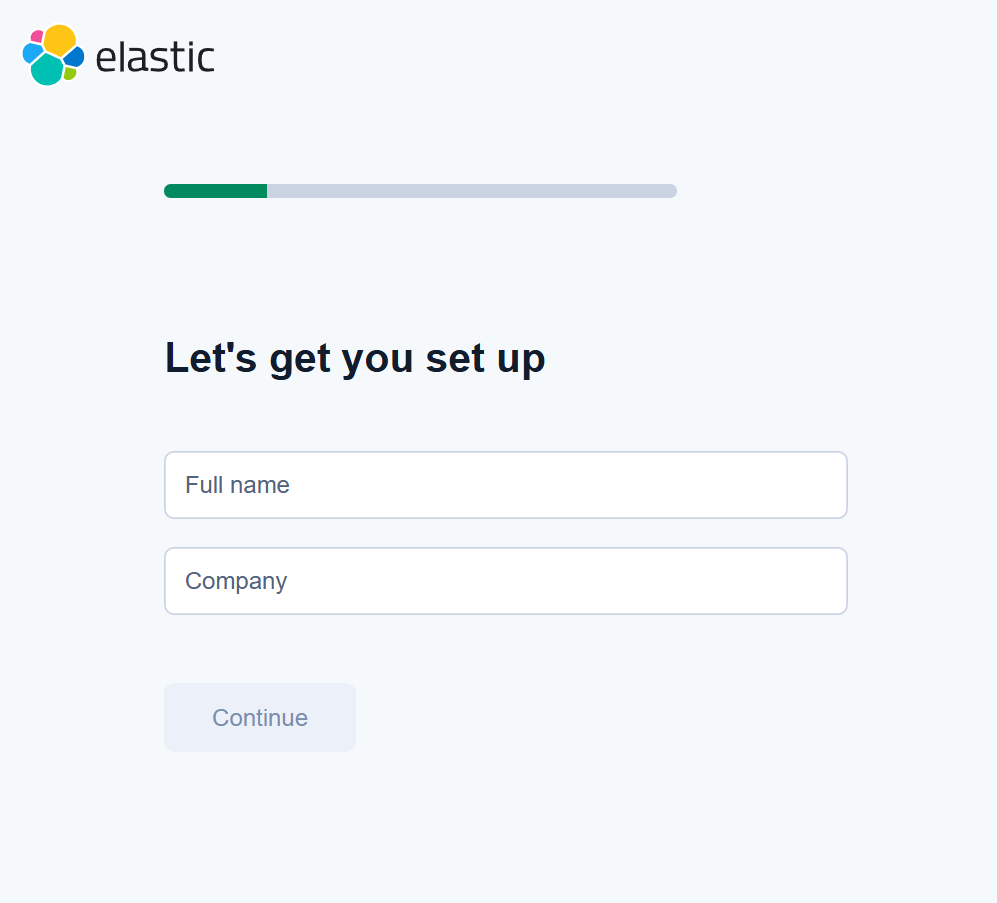
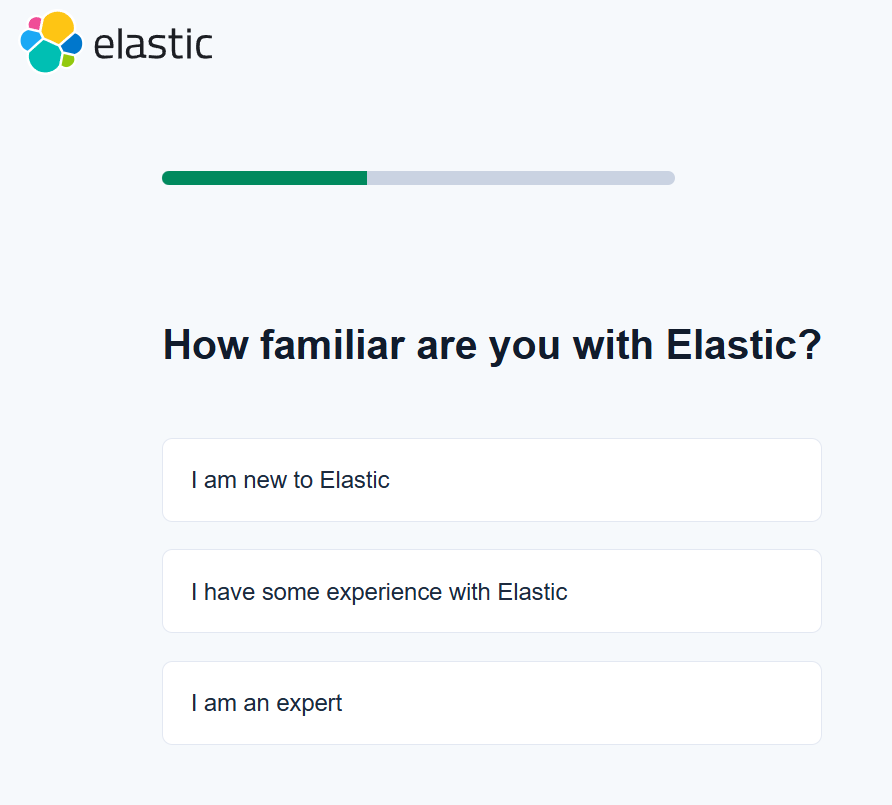
4. Complete a quick Elastic survey
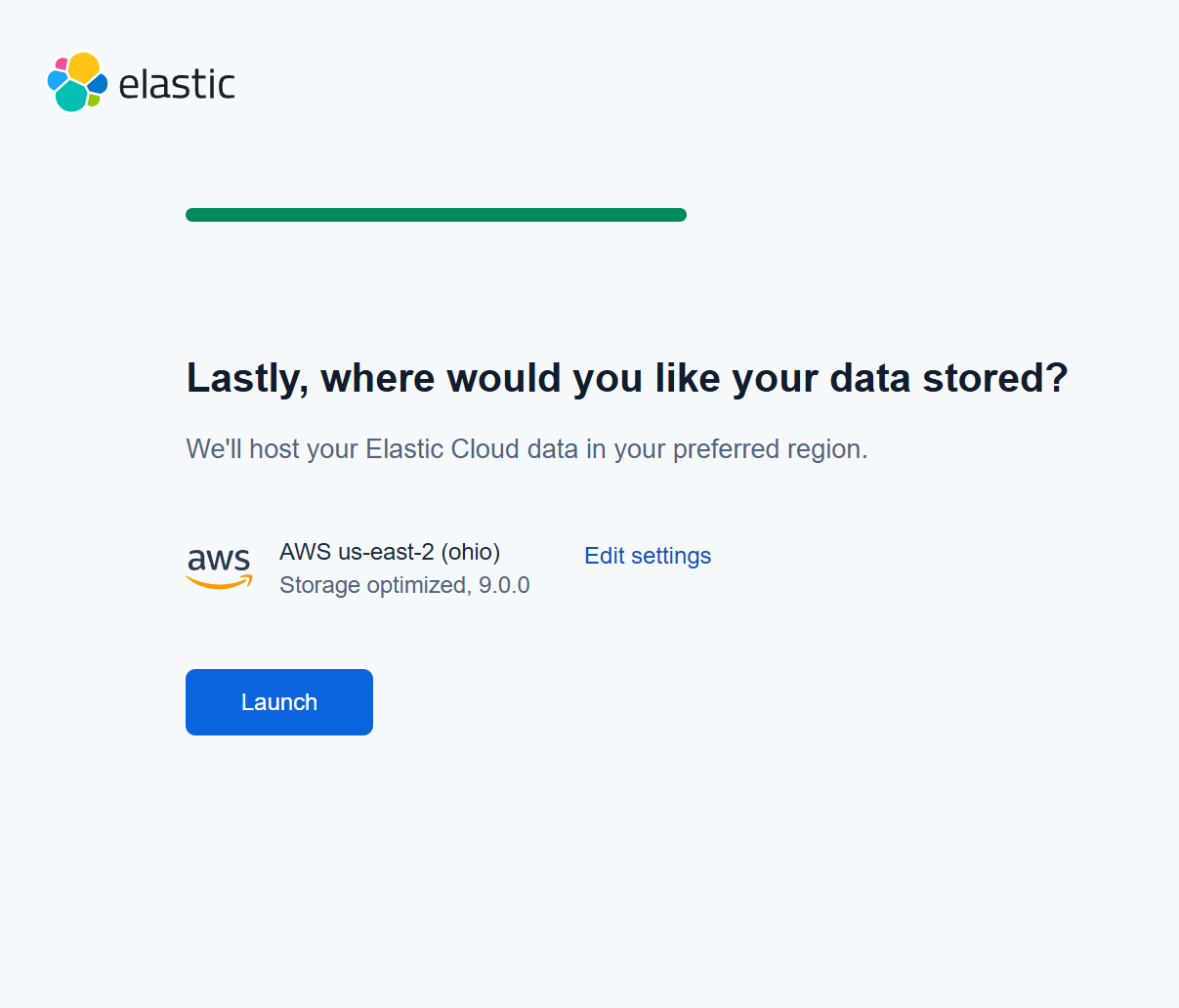
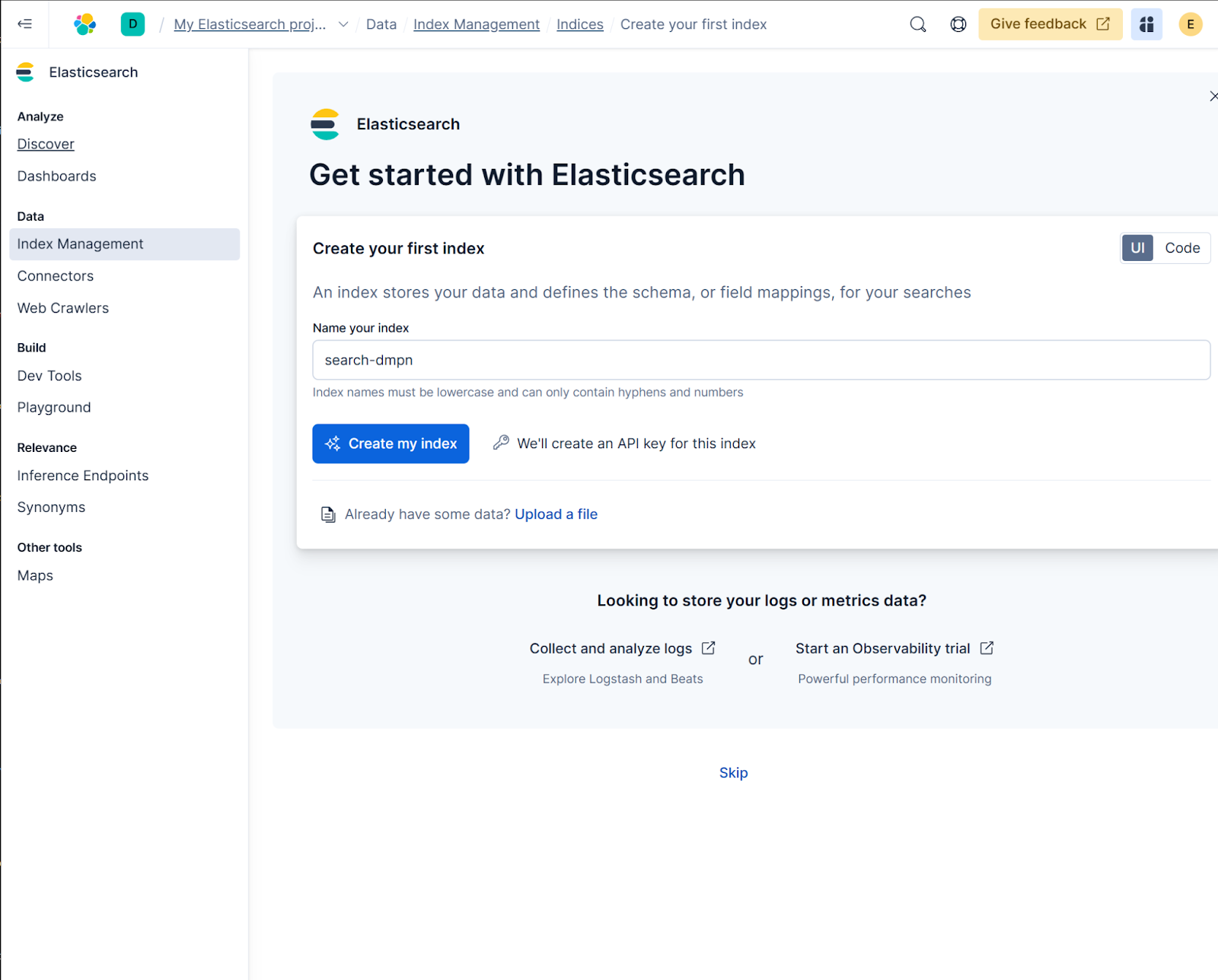
5. Select the region you want to host Elastic Cloud in. By default, your actual AWS region will be selected
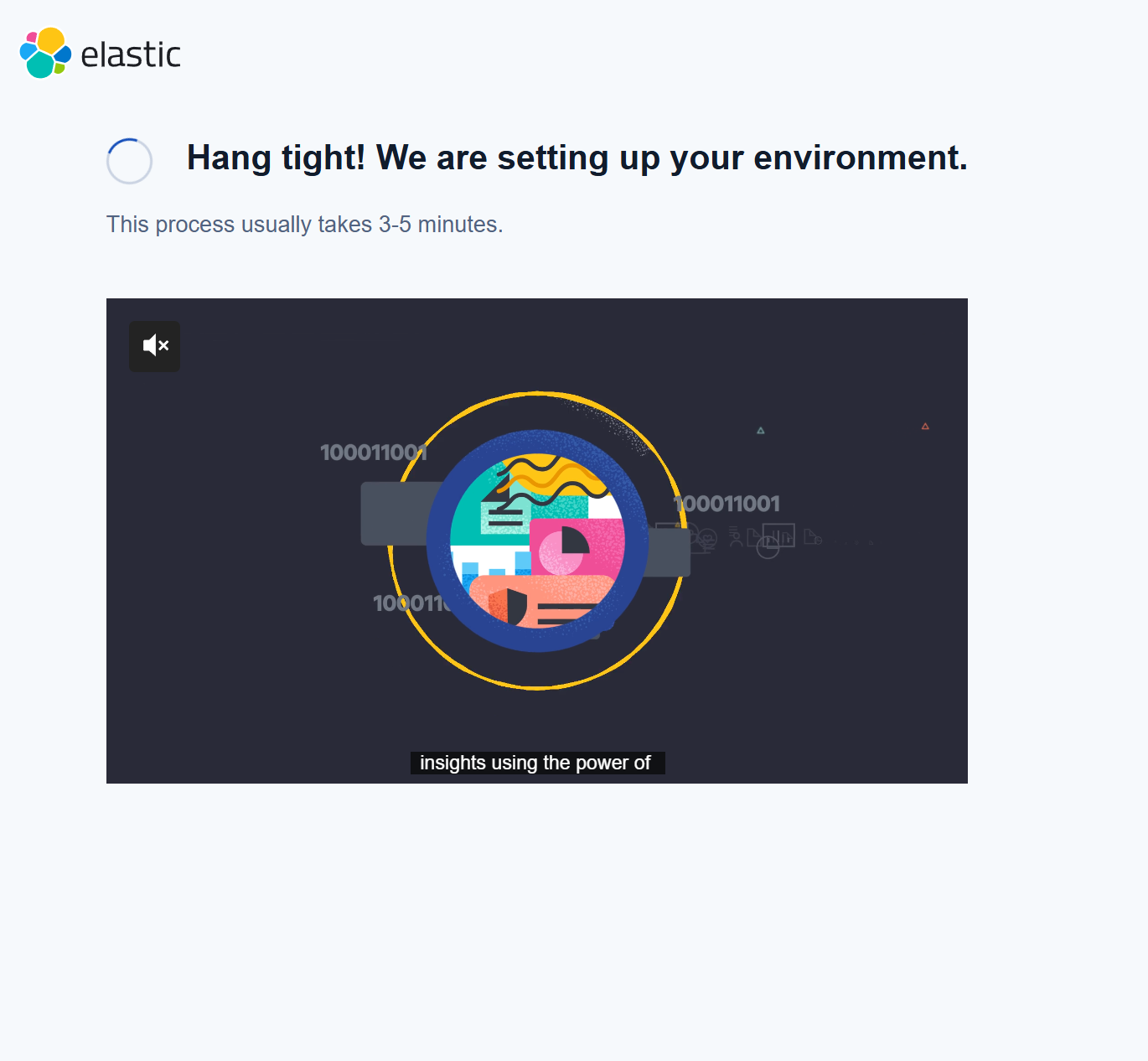
6. Wait for Elastic to deploy
7. Your deployment is connected to your AWS Marketplace subscription
Cancel your subscription
To cancel your subscription
1. Go to the AWS console
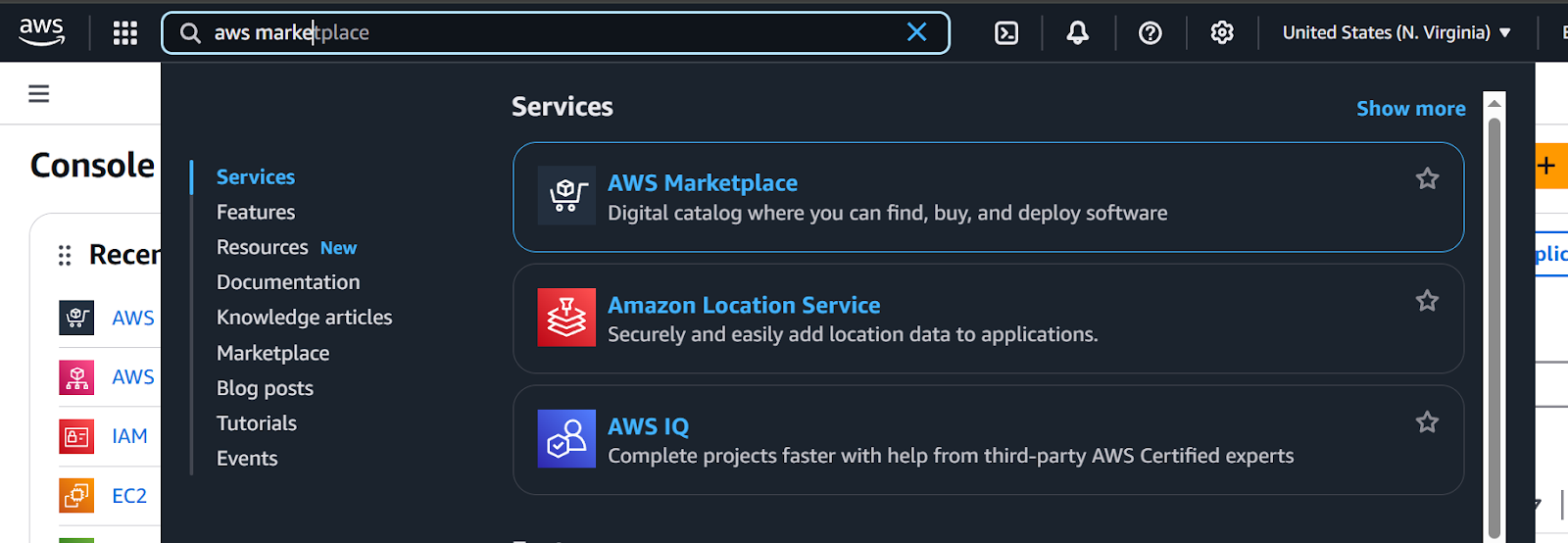
Search for AWS Marketplace in the search bar. Click on AWS Marketplace
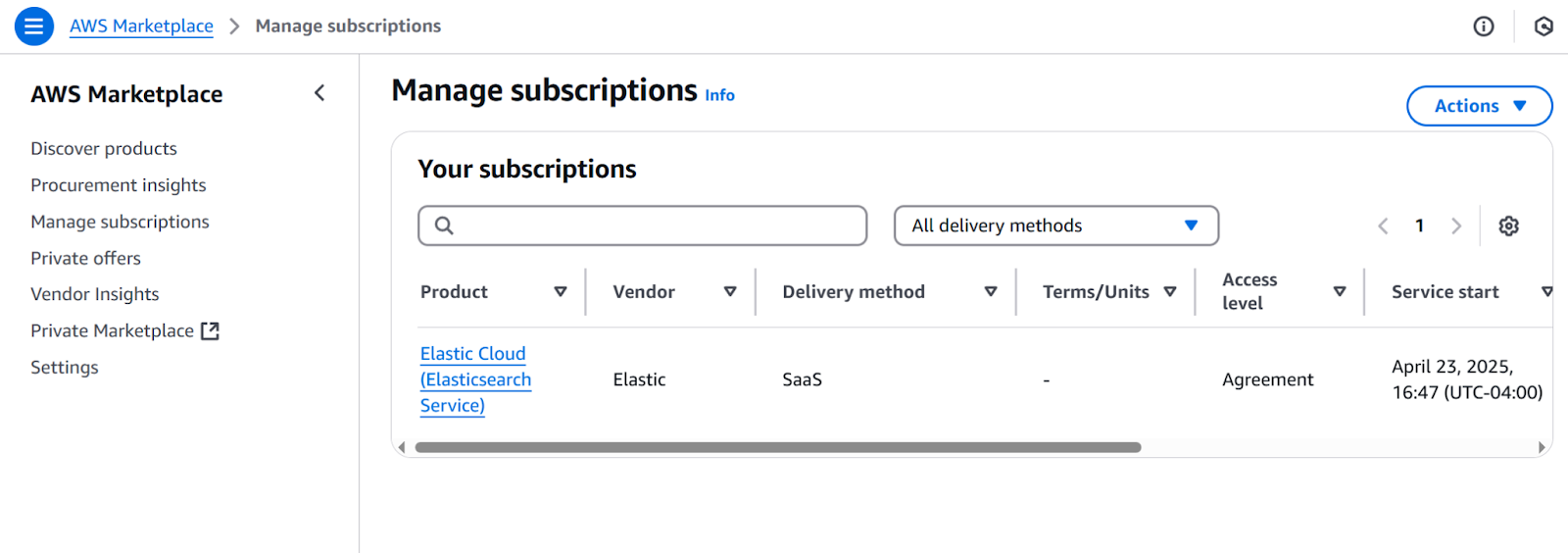
2. Click on Elastic Cloud subscription
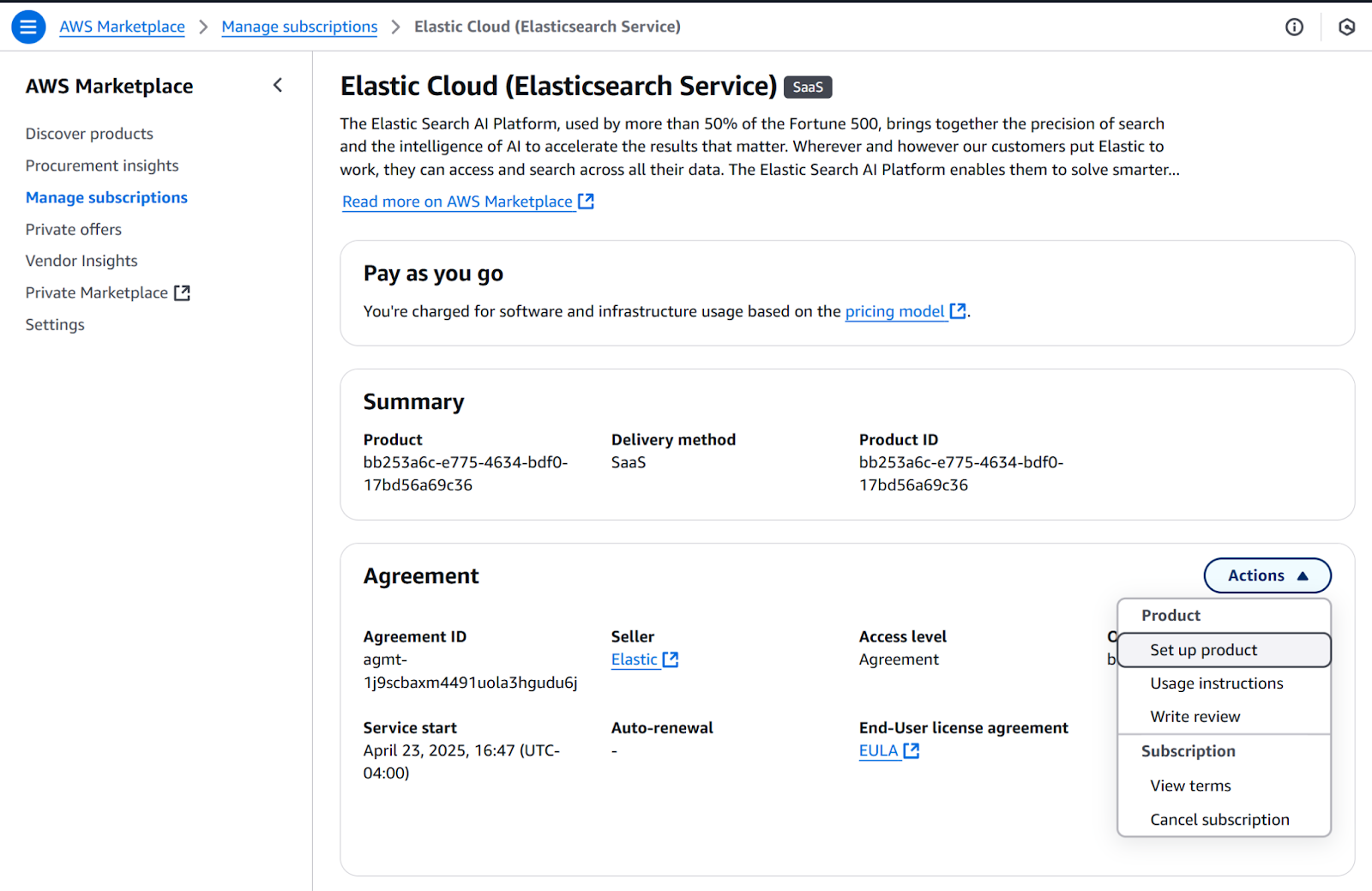
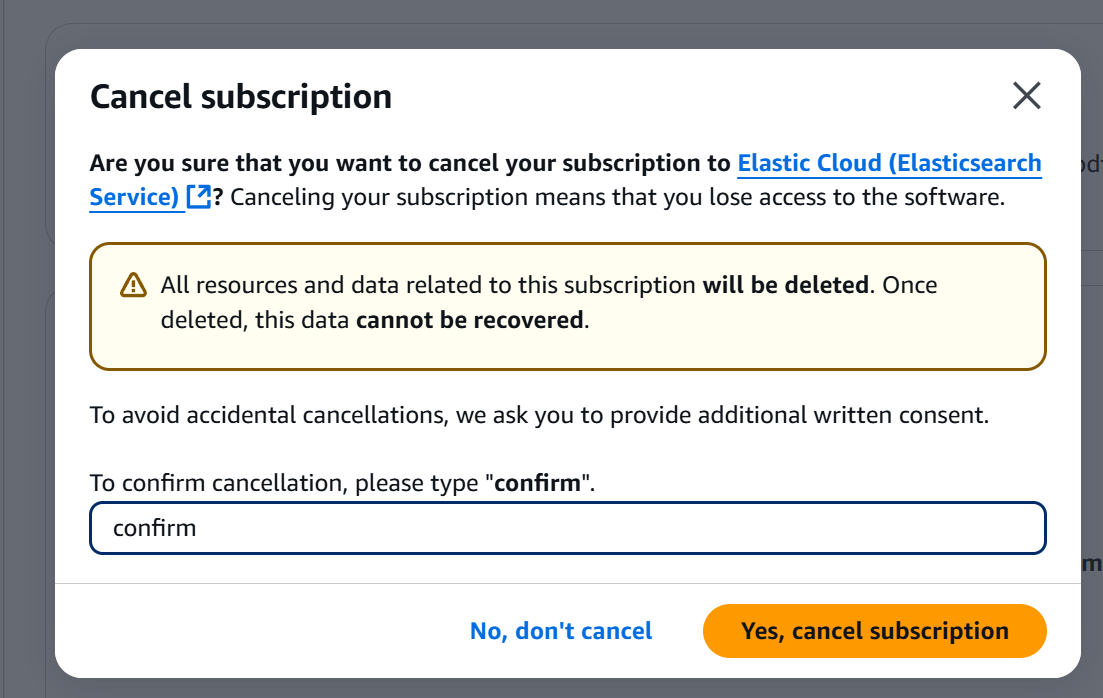
3. Click the Actions button, then click on Cancel subscription
4. Confirm cancellation, then click Yes and the cancel subscription button
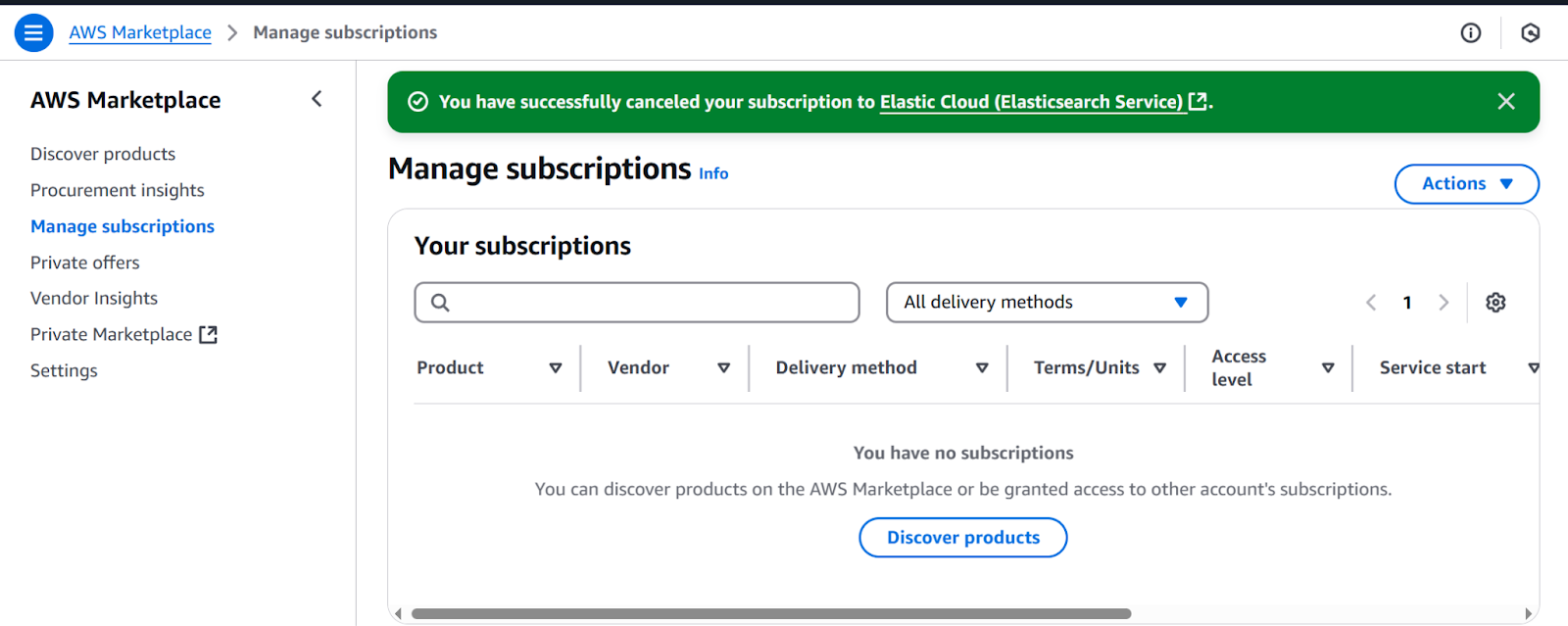
5. A confirmation message will appear on top of the page
Next Steps
Start your Elastic Cloud journey with a 7-day free trial that includes a single deployment and three projects Elastic Cloud (Elasticsearch Service). Simply sign into your AWS account and click "View Purchase Options" to begin using Elastic's Search AI Platform immediately on Elastic Cloud (Elasticsearch Service). The trial provides full access to search, security, and observability solutions without any infrastructure management overhead.
Ready to try this out on your own? Start a free trial.
Want to get Elastic certified? Find out when the next Elasticsearch Engineer training is running!
Related content

Testing Elasticsearch. It just got simpler.
Explaining how Elasticsearch integration tests have become simpler thanks to improvements in Elasticsearch 9.x, the modern Java client, and Testcontainers 2.x.

December 19, 2025
Elasticsearch Serverless pricing demystified: VCUs and ECUs explained
Learn how Elasticsearch Serverless pricing works for Elastic’s fully-managed deployment offering. We explain VCUs (Search, Ingest, ML) and ECUs, detailing how consumption is based on actual allocated resources, workload complexity, and Search Power.
December 8, 2025
How excessive replica counts can degrade performance, and what to do about it
Learn about the impact of high replica counts in Elasticsearch, and how to ensure cluster stability by right-sizing your replicas.
November 14, 2025
How to deploy Elasticsearch on Azure AKS Automatic
Learn how to deploy Elasticsearch with Kibana on Azure using AKS Automatic and ECK for a partially managed Elasticsearch setup configuration.

November 11, 2025
Configuring recursive chunking for structured documents in Elasticsearch
Learn how to configure recursive chunking in Elasticsearch with chunk size, separator groups, and custom separator lists for optimal structured document indexing.